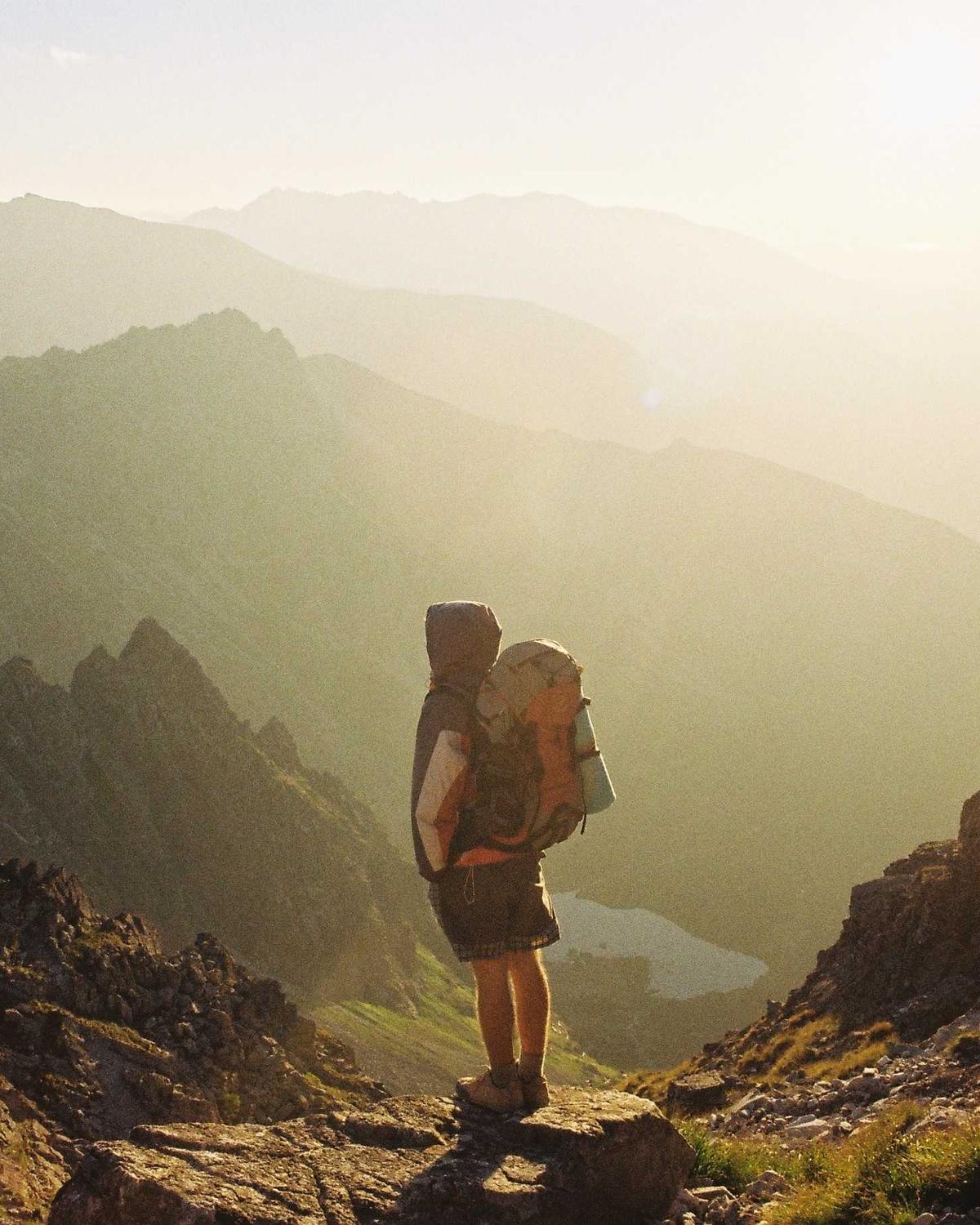
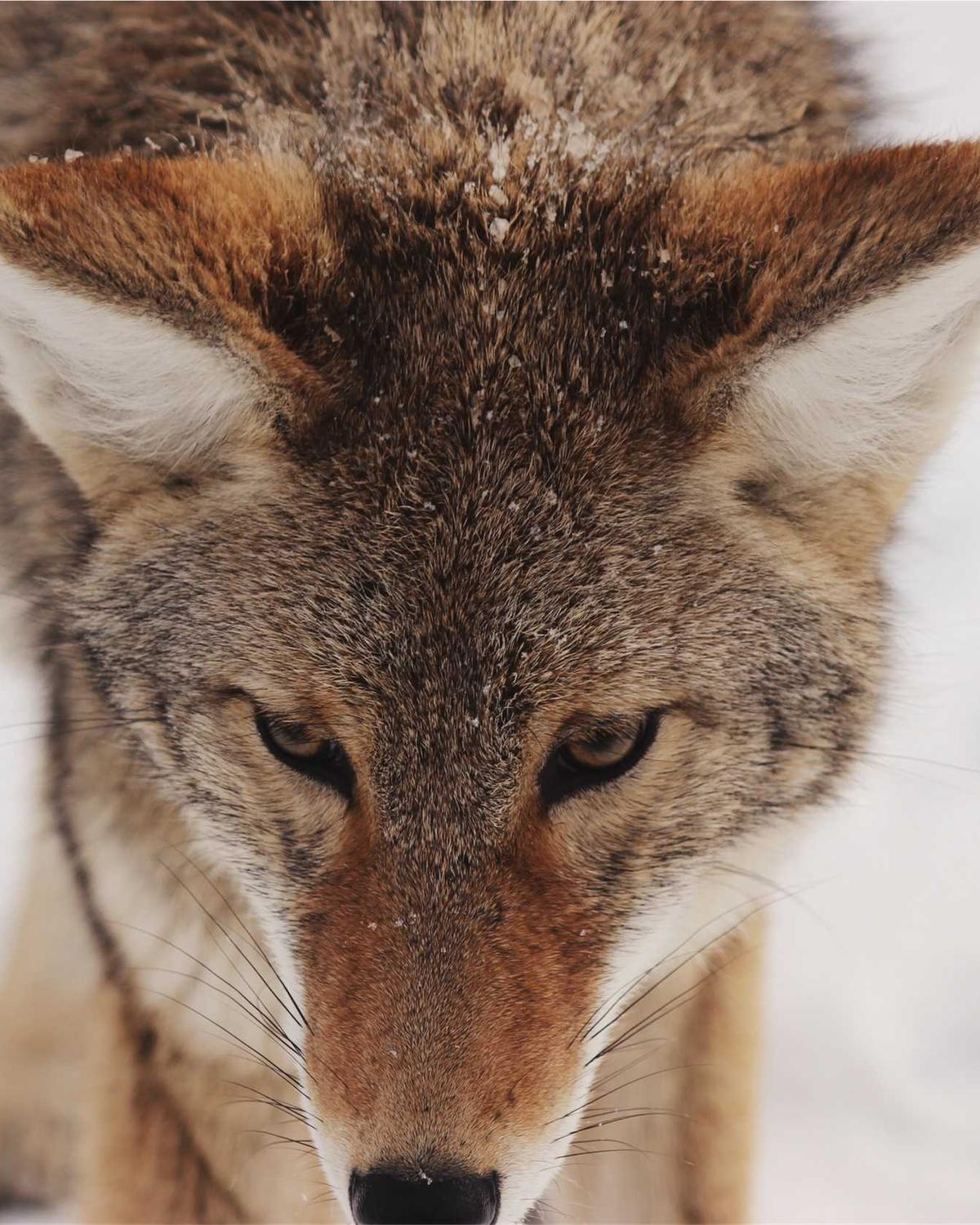
For Chrome on Mac, Windows and Linux
FreeNothing uploaded

Pictures and videos,
saved in one gesture.

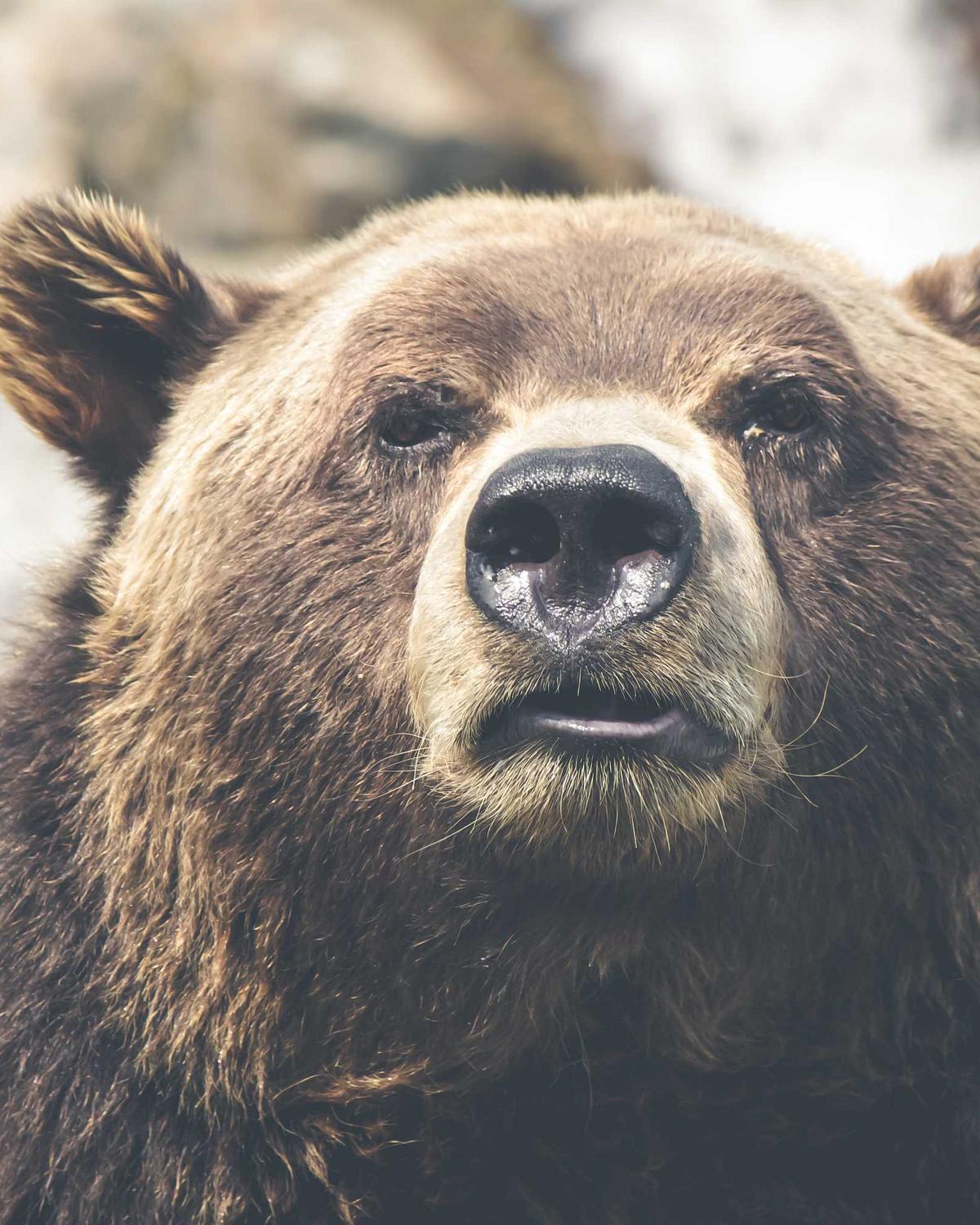
Drag it, tap a key, let go. Dragsy saves, converts and edits right where you find it. Try it on the picture above.

Tap ⇧ while you drag.

The wheel opens right under your pointer. Try it on any picture here.

One picture

Save it as a PNG, shrink it, crop it, blur a face, copy it as Markdown, turn a video into a GIF or send it to Google Lens, all without leaving the page you’re on.

A portrait
Saved · portrait.png
The real file

The real file.
Not the copy.

Pages show you a small, compressed copy, and stream videos in pieces. Dragsy finds the original picture at full size, or the whole video at its best quality, and tells you what it is before you save.

4000 × 5000Full size: the original, not the page’s 640 px copy
1080pThe whole stream at its best, sound joined
2.4 MBWhat it is, before you save: size, type, weight
11 sitesRead for the post’s own file, author and every item
0 detailsCamera, place and serial number left behind
Your sites

Made for the sites
you scroll every day.

Instagram
Pinterest
X
Reddit
TikTok
Facebook
A recipe blog
Unsplash
Threads
Behance
A news site
Dribbble
Vimeo
LinkedIn
A shop
Rumble
A forum
Any page
Instagram
Pinterest
X
Reddit
TikTok
Facebook
A recipe blog
Unsplash
Threads
Behance
A news site
Dribbble
Vimeo
LinkedIn
A shop
Rumble
A forum
Any page

Tested on Instagram, Threads, X, TikTok, Facebook, Reddit, Pinterest, LinkedIn, Behance, Dribbble and Rumble, and it tries on most other pages too.

The right fileRead from the data the site already loaded, not the thumbnail on screen.
Named after the postThe site, the author and the post in the file name, if you like.
Every item in a postWith Pro, save all of a carousel at once, or a LinkedIn document as one PDF.
The keys

Three keys. Three wheels.

Tap a key while you drag and its wheel opens under your pointer, with exactly what that key is for. Learn them once; they work on every site.

Save

Press them on your keyboard, or click one.
Video

Videos too, cut to size.

Drag a video like a picture, or open the page’s own. Trim it, hide a face, mute a word or make a GIF, all on your computer.

TrimDrag the handles, or press I and O. The rest is left out.
falls.webm · 0:10
4.4 s kept
Making
GIFs
Any 3, 5 or 10 seconds, at the size and frame rate you pick.
GIF · loop
HideBlur a face, a name, a number plate.
Mute
a word.
Silence a part, or bleep it. The rest of the sound stays.
Every frame.Take this one, or pick several: a ZIP, a contact sheet or a PDF.
Every word.A video’s transcript as text, SRT, Markdown notes with time links, or a PDF. What was just said, or everything since a mark.

Tested on Instagram, X, TikTok, Reddit and LinkedIn, and it tries on most other sites. YouTube: thumbnails, frames and transcripts (store policy keeps its video files out). DRM video, such as Netflix, can’t be saved.

Tools

A whole editor,
right on the page.

Open a picture at full size beside the page. Crop it, point things out, hide what shouldn’t show. Undo anything, then copy or save.

3 / 8
Preview, ← → through a post
Z hold
A loupe at full resolution

Size4000 × 6000

CameraFUJIFILM X-T5

Taken9 Feb 2025

Place46.02, 7.75

Info, and what to remove
#2F6FB5 copied
Its colours, as hex
What a QR code says
Look closer

Look closer.
No saving needed.

The largest version over the page, a loupe when you hold Z, what the file says about itself, its colours, what a QR code says. Then Google Lens, Bing, TinEye or Yandex, if you want more.

Try it

Try it. Right here.

This is Dragsy itself on a pretend site: the same wheel, keys, editor and windows you get when you install it. Nothing is downloaded, so try everything.

any-site.com/boardDragsy is on
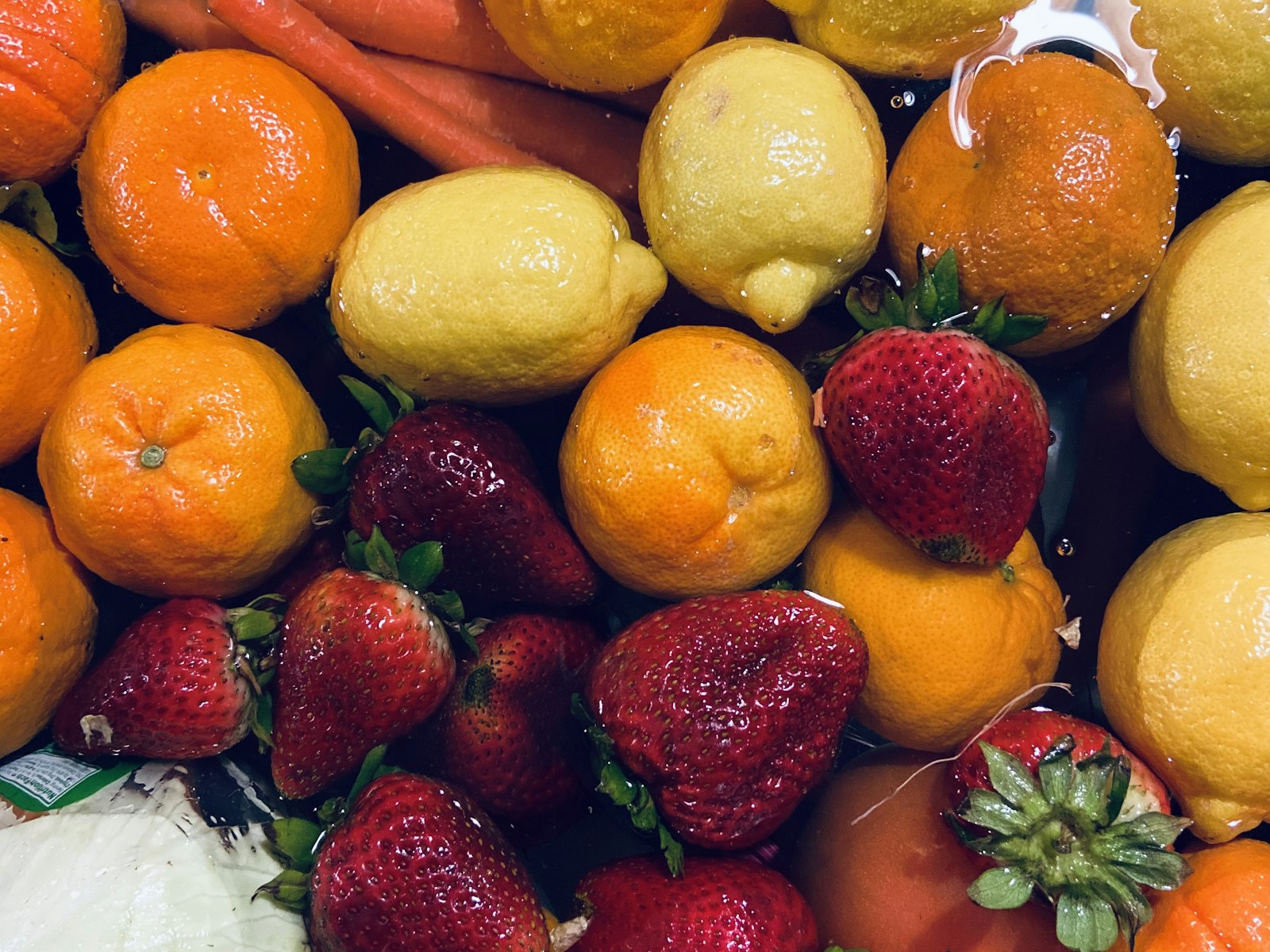
Strawberries, oranges and lemonsfruit.jpg
Mountainsalps.jpg
A tabby catcat.jpg
A streetstreet.jpg
A waterfall (video)falls.webm · 0:10
A photographer with a film cameraphotographer.jpg
A walruswalrus.jpg
A forestforest.jpg
A ski lift in fogsea-ski-lift.jpg

That’s the whole gesture. It works the same on every site.
You already have DragsyIt sits this page out, so the demo here runs on default settings.
Lazy-loaded
CSS background
In a carousel
Under a link
In an iframe
Canvas
SVG mask
Behind a layer
Shadow DOM
srcset, the largest
Sprite

Even where
pictures hide.

Lazy loaders, CSS backgrounds, canvases, carousels, overlays and frames. Drag any of these.

Lazy and lateLazy loaders, carousels, srcset: the largest of every set.
Drawn, not placedBackgrounds, canvases (WebGL too), SVG, sprites.
Behind thingsOverlays, iframes, shadow DOM, pages that block dragging.
Privacy

Yours stays yours.

Everything happens on your computer. Nothing is uploaded and there’s no account, and what you save leaves behind what the file gives away.

Location−2.33, 34.83
CameraCanon EOS R5
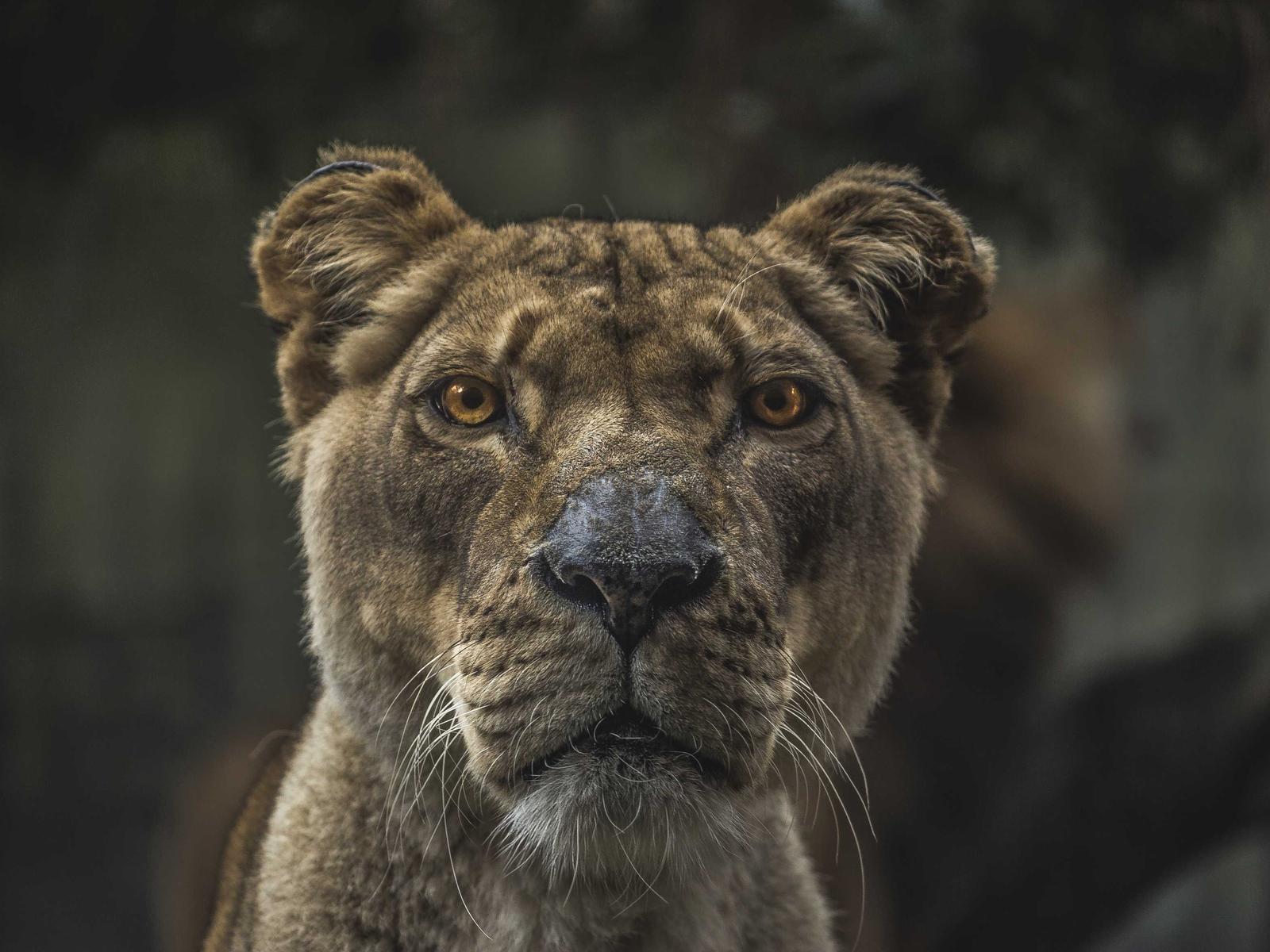
A lionessSaved without hidden details
Serial number0412 8833 71
Taken14 Aug 2025, 06:42

Drag her, tap ⌘ and pick Info to see what her file gives away. Save her, and it stays behind.

0 bytesof your pictures, videos or browsing sent to me.
Made here, kept here.
Only three things leave, when you choose
  • Your licenceThe key and a random install number, when you activate Pro, then once a day.
  • A problem reportOnly if you send one, and only what you saw first.
  • Your emailOnly if you sign up for news, and confirm.
Read the privacy policy →
Pricing

Free to save.
Pay once for Pro.

Saving, copying and looking are free on every site. The editors and makers are yours for one payment, no subscription. Try them 25 times first. You choose what each wheel holds, which key opens it and how files are named.

Free$0On every site
  • The three wheels, on every site
  • Save at full size: PNG, JPG, WebP, MP4
  • Videos and streams, saved whole
  • Copy, share, Preview, Info, Queue
Add to Chrome
Pro25 free tries
$19once
On 2 browsers. No account, no subscription.
  • More formats: AVIF, ICO, PDF, GIF, MP3, M4A
  • The picture editor
  • The video window: trim, GIF, frames, mute, hide
  • Save all, pick several, ZIP, PDF, collage
  • Updates and fixes for what you bought
Get Pro
Pro for 4 browsers
$29once
Home and work, or the family
  • Everything in Pro
  • On 4 browsers at once
  • Move it between browsers, as with Pro
See pricing

Questions? Licence help · FAQ

Your sites, your pictures,
your videos.

Free to save. Pay once for Pro. Nothing uploaded. Search only when you ask.